
Table of Contents
- UX skills that matter: A designer's complete guide
- Top 10 essential UX skills
- 1. Empathy and user-centric mindset
- 2. Research skills
- 3. Wireframing and prototyping
- 4. Interaction design
- 5. Visual design
- 6. Information architecture (IA)
- 7. Communication skills
- 8. Analytical skills
- 9. Collaboration
- 10. Adaptability and learning agility
- Digging deeper: Advanced skills and tools
- 11. Coding skills (HTML, CSS, JavaScript)
- 12. User interface design (UI)
- 13. Motion design and micro-interactions
- 14. Emotional design
- 15. Accessibility
- 16. Business acumen
- 17. Service design
- The soft skills that make a difference
- 18. Curiosity and passion
- 19. Patience and perseverance
- 20. Empathy beyond users
- Your UX design skills are just the beginning
Do not index
Read time: under 13 minutes
UX skills that matter: A designer's complete guide
Whether you're fresh out of a bootcamp or can wireframe in your sleep, one thing’s certain: in UX, the learning never stops.
With AI, strategy, and stakeholder battles entering the chat, it's not enough to just “make things intuitive.” You need skills that stick. Skills that scale. Skills that say:
“Yes, I can handle Figma. I can also handle the room.”
So in this guide, I’m breaking down the 20 most important UX skills you actually need, whether you're climbing the ladder or just trying not to get steamrolled in sprint planning.
Let’s level you up.
Top 10 essential UX skills
1. Empathy and user-centric mindset

First things first – if you're designing for yourself, you're not a UX designer. You're just someone with strong opinions about fonts.
Great UX designers have empathy levels that would make a therapist jealous. They can put themselves in users' shoes so completely, they practically need a passport to get back to their own perspective.
Why it actually matters:
- Promotes the creation of user-friendly interfaces
- Empathetic designers can better identify user problems
- Helps in building a connection between the user and the product
Pro tip: Do the "Grandma Test" – if your 75-year-old grandmother can't figure out your design in 30 seconds, neither can most of your users.
Spend one day a month using products designed for demographics completely different from yours. Your perspective will thank you.
👉 How do you ensure user-centricity throughout the process?


2. Research skills

"Users love this feature!"
"How do you know?"
"Because... we built it?"
This is the UX equivalent of saying your cooking is amazing because you didn't get food poisoning. Research is like GPS for designers – without it, you're just driving around hoping you'll accidentally arrive at a good user experience.
Why it actually matters:
- Reduces the risk of building something nobody wants
- Prevents you from becoming the designer who "just knows" what users want.
- Gives you actual ammunition when stakeholders want to add seventeen more buttons
Pro tip: Create a "Research Recipe" for every project: 3 user interviews, 1 competitive analysis, 1 usability test.
Treat this like your morning coffee: non-negotiable. And please, stop using your coworkers as your target demographic unless you're designing for burnt-out tech workers (which, fair enough, is a valid market).
👉 The A-to-Z Guide on UX Research for Beginners


3. Wireframing and prototyping

Wireframing is like the skeleton of your design – nobody wants to look at it, but without it, everything just collapses into a mushy pile of good intentions.
Think of prototyping as the difference between describing a joke and actually telling one. One might get a polite smile; the other gets genuine laughs (or in our case, genuine user insights).
Why it actually matters:
- Makes stakeholder conversations 90% less painful
- Helps you fail fast and cheap (instead of slow and expensive)
- Prevents you from becoming the designer who says "just imagine this button works"
The tool reality check:
Figma, Sketch, Adobe Firefly – they're all fine. The tool doesn't make you a better designer any more than expensive pans make you a better cook. It's all about what you put into them.
Pro tip: Follow the "Ugly First" rule – make your first wireframes deliberately ugly. Use Comic Sans if you have to.
This forces you to focus on functionality before falling in love with your own visual design.
👉 Best Tools for Wireframing and Prototyping in UX Design — Updated 2026


4. Interaction design

Interaction design is where the magic happens – it's the difference between a user tapping something and something actually happening in return.
If your interactions feel clunky, users will bounce faster than a bad check. If they feel smooth, users will keep coming back like they're addicted to your interface (which, let's be honest, is the goal).
Why it actually matters:
- Turns confused users into confident users
- Separates amateur hour from the big leagues
- Makes complex tasks feel simple (the ultimate UX flex)
Pro tip: Map out every single micro-interaction before you design.
What happens when someone hovers? Clicks? Makes a mistake? Create an "interaction inventory" and design for every single state. Yes, even the error states nobody thinks about until launch day.
👉 Essential Interaction Design Patterns and Techniques:


5. Visual design

"UX isn't about how it looks, it's about how it works!"
Visual design is the difference between a product that works and a product that works and people actually want to use it. It's not vanity – it's psychology.
Why it actually matters:
- Visual hierarchy guides users without them realizing it
- Trust and credibility are often determined by visual polish
- First impressions happen in milliseconds (your interface gets judged faster than a reality TV contestant)
Pro tip: Create a "visual vocabulary" for every project – define your color meanings (red = danger, green = success), typography hierarchy, and spacing rules.
Stick to it religiously. Consistency is more important than creativity when it comes to visual design.
Build a meaningful UX career and take control of your own career growth with UX Growth Playbook.


6. Information architecture (IA)

Information Architecture is all about organizing content so that users can easily find what they are looking for. A well-structured IA contributes to a seamless user experience.
Why it actually matters:
- Users find what they need without having a breakdown
- Prevents the dreaded "where the hell am I?" user experience
- Reduces cognitive load (fancy term for "makes brains happy")
Pro tip: Do card sorting with real users – give them your content on index cards and watch how they naturally group things. Their mental models beat your organizational preferences every time.
Also, test your navigation with the "drunk test" – if someone can't navigate it after a few drinks, it's too complicated.
👉 What is Information Architecture (IA)


7. Communication skills

UX designers often act as the bridge between users, developers, and stakeholders. Clear and concise communication helps to translate user needs into practical design elements.
Most designers communicate like they're translating ancient hieroglyphics. They use jargon that would make a consultant blush and present their work like they're defending a PhD thesis.
Why it actually matters:
- Makes you the designer people actually want to work with
- Prevents stakeholders from suggesting their nephew who "knows Photoshop"
- Gets your designs implemented as intended (not butchered by interpretation)
Pro tip: Use the "story sandwich" method: Problem (why we're here), Solution (what we built), Impact (why it matters).
Practice explaining your designs to your non-designer friends first. If they get it, stakeholders will too. If they don't, back to the drawing board.
👉 10 Ways to Improve Your UX Design Communication Skills


8. Analytical skills

Data doesn't lie, but you need to interpret what it's actually saying, not what you want it to say.
Most designers treat analytics like that gym membership they never use – they know it's important, but they'd rather not deal with it.
Why it actually matters:
- Validates your design decisions (or brutally destroys them)
- Gives you ammunition when someone suggests adding a carousel
- Helps you understand what users actually do vs. what they say they do
Pro tip: Set up basic analytics before you launch anything. Track user flows, not just page views. Create a "metrics dashboard" with 3-5 key indicators and check it weekly. Numbers tell stories – learn to read them.
9. Collaboration

UX design is a team sport played by people who often prefer working alone. Learning to collaborate without losing your sanity (or your design vision) is basically a superpower.
The myth of the lone genius designer is about as real as unicorns. Every great product is the result of great teamwork, not individual brilliance.
Why it actually matters:
- Gets your designs built correctly
- Prevents the "that's not what I designed" syndrome
- Makes work actually enjoyable (wild concept, I know)
Pro tip: Create a "collaboration toolkit" – shared terminology, regular check-ins, and clear handoff processes.
Learn to speak developer (constraints and feasibility) and PM (user needs and business goals). Translation skills are underrated.
10. Adaptability and learning agility

The UX world changes faster than fashion trends, and yesterday's best practices are today's rookie mistakes.
If you're not continuously learning, you're not just standing still – you're moving backwards while everyone else speeds ahead.
Why it actually matters:
- Opens new career opportunities
- Keeps you relevant (and employable)
- Prevents you from becoming the designer who still talks about Photoshop layers
Pro tip: Dedicate 30 minutes every Friday to learning something new. New tool, technique, or trend. Keep a "learning log" and review it quarterly.
Also, follow designers whose work makes you slightly jealous – competitive motivation is powerful.
👉 How a Growth Mindset Can Transform Your UX Design Career


Digging deeper: Advanced skills and tools
11. Coding skills (HTML, CSS, JavaScript)

Before you panic – you don't need to become a coding wizard. But understanding how your designs become reality will make you infinitely more effective.
It's like knowing how a car works – you don't need to be a mechanic, but understanding the basics prevents you from asking impossible things.
Why it actually matters:
- Makes your prototypes actually functional
- Helps you understand what's possible vs. what's "technically challenging"
- Improves your relationship with developers (they'll stop rolling their eyes at your designs)
Pro tip: Learn enough code to build basic prototypes. Start with HTML/CSS, add JavaScript later.
Use CodePen for experimentation and share your attempts with developers – they appreciate designers who try to understand their world.
Build a meaningful UX career and take control of your own career growth with UX Growth Playbook.
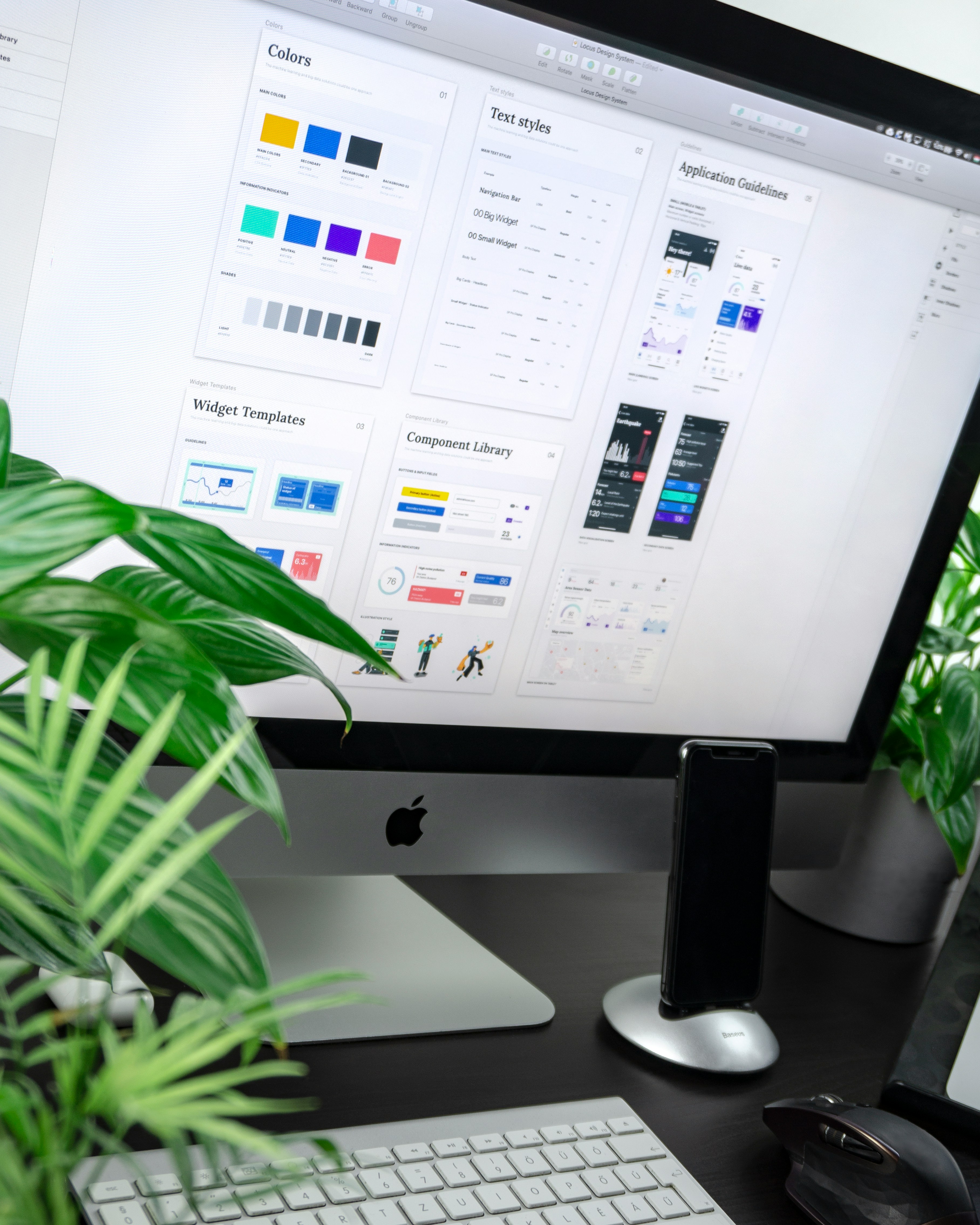
12. User interface design (UI)

UI is like the frosting on the UX cake: the cake needs to taste good first, but the frosting is what makes people want to eat it.
The overlap between UX and UI is huge, which means UI skills aren't optional – they're essential for creating complete experiences.
Why it actually matters:
- Makes your portfolio actually competitive
- Elevates your designs from functional to delightful
- Ensures your great UX doesn't get ruined by poor visual execution
Pro tip: Study UI patterns from successful apps, but understand why they work, not just how they look.
Create a "UI inspiration library" organized by function, not aesthetics. And please, test your color contrast ratios.
👉 How to Improve Your UI Design Skills

13. Motion design and micro-interactions

Motion design isn't about showing off – it's about providing feedback, showing relationships, and making interfaces feel alive.
Micro-interactions are the details that separate good designs from great ones. They're like the difference between a handshake and a hug – both work, but one feels more human.
Why it actually matters:
- Guides attention and explains relationships
- Provides instant feedback (users know their action worked)
- Creates emotional connections (apps that feel responsive feel trustworthy)
Pro tip: Start small – animate state changes, hover effects, and loading indicators. Use tools like Principle or Figma's prototyping features.
Remember: motion should have purpose, not just pizzazz.
14. Emotional design

Users don't just use products – they have relationships with them. Emotional design is about making those relationships positive.
It's the difference between a product that works and a product that users actually care about. And caring is what creates loyalty, advocacy, and long-term success.
Why it actually matters:
- Builds user loyalty and advocacy
- Creates memorable experiences (in a good way)
- Differentiates your product in crowded markets
Pro tip: Map the emotional journey alongside the user journey. What do users feel at each step? Where can you add moments of delight?
Create an "emotion inventory" for your designs and optimize for positive feelings.
15. Accessibility

Designing for accessibility isn't charity work – it's good business and better design. Period.
Plus, accessible design usually means better design for everyone. Curb cuts help wheelchair users, but they also help people with strollers, luggage, and bikes.
Why it actually matters:
- Often required by law (avoid lawsuits)
- Forces you to create clearer, more intuitive designs
- Expands your potential user base (more users = more revenue)
Pro tip: Use accessibility as a design constraint, not a checklist. Install a screen reader and try using your designs with it.
Check color contrast ratios. Test keyboard navigation. Make accessibility part of your design process, not a post-launch addition.
👉 Design for Accessibility: 7 Essential Principles for Inclusive UX Designs


16. Business acumen

Understanding business doesn't make you less creative – it makes your creativity more valuable.
Designers who speak business get their ideas implemented. Designers who don't become order-takers for other people's ideas.
Why it actually matters:
- Makes you a strategic partner, not just a service provider
- Aligns your designs with company goals (gets you promoted)
- Helps you prioritize features based on impact, not preference
Pro tip: Learn your company's key performance indicators (KPIs). Connect every design decision to business outcomes.
Practice explaining your work in terms of revenue, conversion, retention, or cost savings. Speak their language.
👉 Business vs Design: How to Bridge the Gap


17. Service design

Service design is UX at a macro level – it's about the entire journey, not just individual touchpoints. It's the difference between designing a great app and designing a great experience that happens to include an app.
Why it actually matters:
- Identifies problems in the broader user journey
- Creates more cohesive experiences across touchpoints
- Prevents solutions that fix one problem but create three others
Pro tip: Map the complete user journey, including before and after your product interaction.
What happens when users aren't using your app? How does your design fit into their broader goals and daily life?
👉 Service Design 101


The soft skills that make a difference
18. Curiosity and passion

Curiosity is what separates good designers from great ones. It's the drive to ask "why" when everyone else accepts "because."
Passionate designers don't just follow briefs – they question them, improve them, and sometimes completely reimagine them.
Why it actually matters:
- Keeps you learning and growing
- Drives innovation beyond obvious solutions
- Makes work feel like play (the best kind of productivity hack)
Pro tip: Develop a "beginner's mind" for every project. Ask obvious questions. Challenge assumptions. Keep a "curiosity journal" of interesting problems you notice in daily life. Most breakthrough insights come from questioning the obvious.
👉 Traits That Make You A Great UX Designer:


19. Patience and perseverance

Great design takes time. Great careers take even longer. If you're looking for instant gratification, maybe try cooking instead.
Most design problems don't have obvious solutions. The best designers are willing to iterate, test, fail, and iterate again until they get it right.
Why it actually matters:
- Complex problems require multiple attempts to solve
- The best solutions often come after the obvious ones are eliminated
- Stakeholders respect designers who don't give up at the first roadblock
Pro tip: Set "iteration budgets" for projects – plan for multiple rounds of testing and refinement. Celebrate small improvements, not just major breakthroughs. Keep a "lessons learned" log to track your progress over time.
20. Empathy beyond users

User empathy gets all the attention, but empathy for teammates, stakeholders, and clients is equally important.
Understanding why your developer is stressed about your timeline or why your PM is obsessed with that seemingly minor feature makes you a better collaborator and a more effective designer.
Why it actually matters:
- Prevents unnecessary conflicts
- Makes you the designer people actually want to work with
Pro tip: Before you design, ask each teammate one question:
- PM: “What’s the top priority?”
- Exec: “What’s the business risk?”
- Dev: “What’s hard to build here?”
Then design to reduce all three.
Your UX design skills are just the beginning
Alright, design warrior, you made it to the end!
We’ve just unpacked a buffet of UX skills: from empathy (the OG superpower) to systems thinking, accessibility, and beyond. Whether you’re crafting wireframes or corralling stakeholder chaos, each skill is another tool in your belt of UX awesomeness.
Great UX designers aren’t made overnight.
They're made over a hundred moments of curiosity, feedback, and “oh no, why did I design it like that?”
So keep leveling up. Keep asking better questions. And above all?
Keep fighting for the user.
Whenever you're ready, there are 4 ways I can help you:
1. Junior Designer Bundle: Transition to UX with the ultimate handbook (120+ videos, 80+ templates, 75+ examples) to craft an unforgettable portfolio & get hired.
2. Senior Designer Bundle: Become a design leader with systems to help you build a meaningful career & grow your designers. Join 500+ aspiring leaders.
3. UX Portfolio Critique: Get a 30-minute video review of your portfolio. A checklist of actionable things to fix, in less than 48 hours. Get a personalised portfolio critique here.
4. Job Sprint Course: Get battle-proven frameworks and interactive workshops to: build a memorable personal brand, a killer strategy for job applications, and tactics to nail job interviews. Get hired in UX with Job Sprint.


